USGS Wind Turbine Database
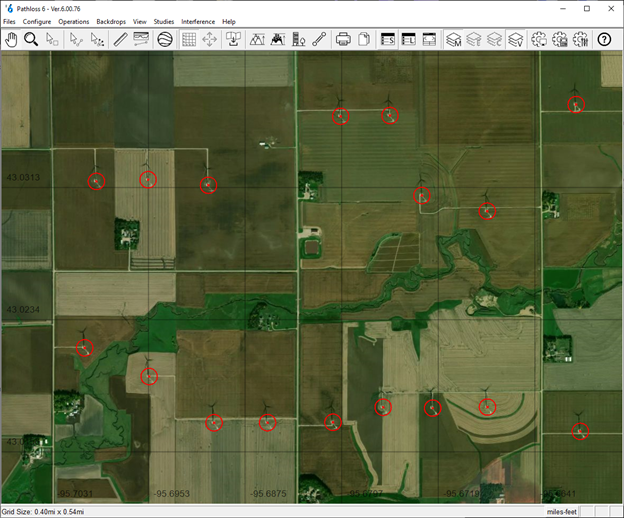
Starting in Pathloss 6.00.74 the U.S. Wind Turbine Database is supported. This vector data can be downloaded from:
https://energy.usgs.gov/uswtdb/assets/data/uswtdbSHP.zip
This file can then be added to the Vector File Index in the GIS Setup Dialog. Pathloss will display the wind turbine locations and their radius in the network window.
- Download and unzip the file from the link above.
- Select the Configure-Set System-GIS Setup Dialog from the menu and select the Vector Data tab
- Click the File Index button.
- Click Files Import - Vector Files.
- Select the unzipped file from the download.
- Pathloss will index the file and show it as an entry in the index.
- Double click the Building Height field and select one of the following:
- t_hh: Hub height above ground
- t_ttlh: Hub height plus rotor radius (recommended)
- Close the index window, click the Definition button and set the color for the layer
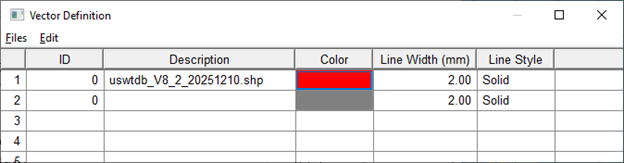
- Close the GIS setting window and save the configuration.
With this GIS configuration loaded, Pathloss will display the location and radius of all wind turbines in the United States. Pathloss will also use this data when generating profiles, showing the wind turbines on the path profiles.